Monthly
$5.99 / month
Billed monthly. Renews until canceled.
 Watcher
Time. Sound. Focus.
Personal timers. Layered sound.
The tools to work on your terms.
Coming to the App Store
Meet Watcher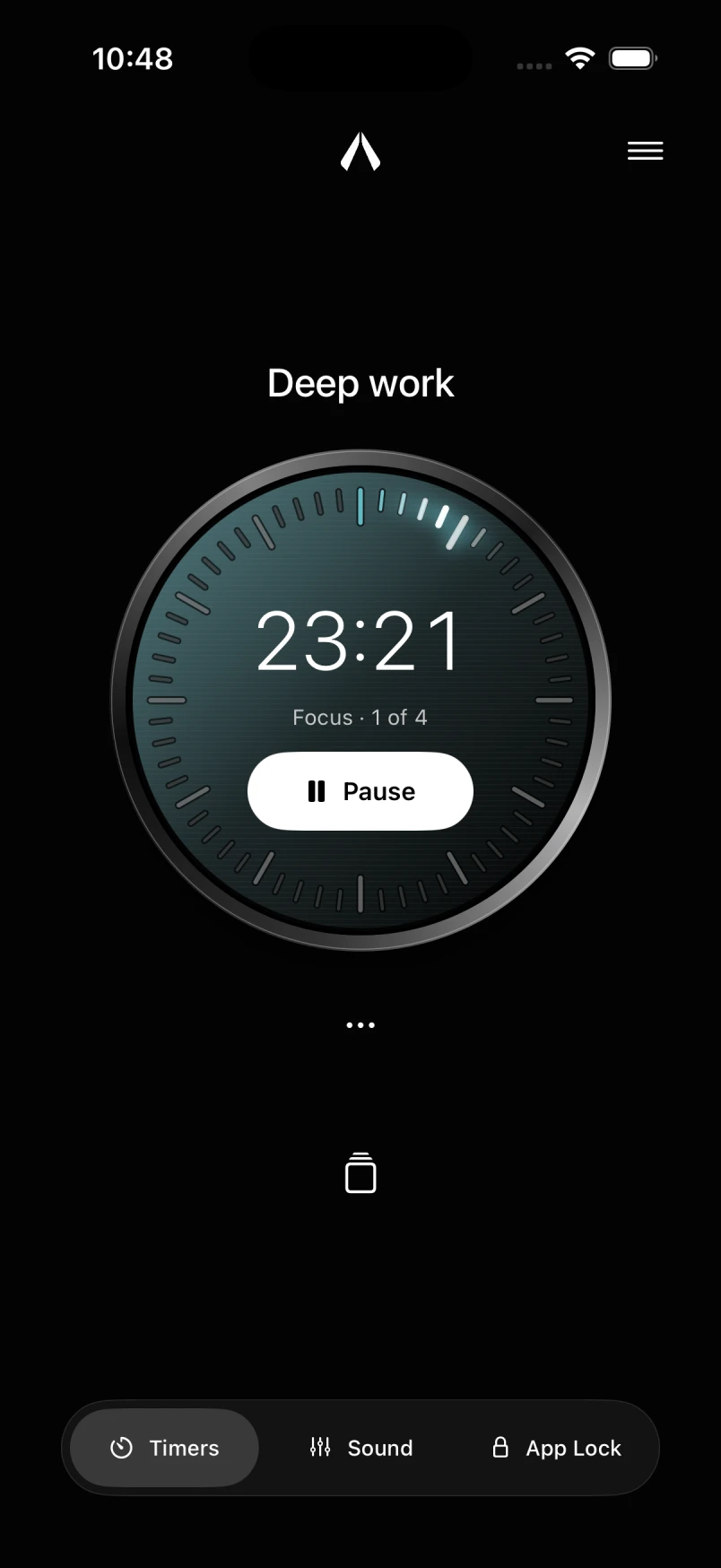

For what comes next
Set the time. Shape the sound.
Get into the work that matters to you.
01 / Your time
Set a countdown. Measure with a stopwatch. Work in Pomodoro intervals. Run multiple timers, each with its own purpose.
Find a duration that works. Save a stopwatch measurement as a countdown, ready to run again.
Try a mode. Pick a color. Illustration, not a running timer.
02 / Your atmosphere
Ocean. A road cabin. Rain on glass. Layer the sounds you like, then find the balance with a fader for each one.
Bring in your own audio from Files. Save the mix with a timer as a routine, and return to your setup in a tap.
Your sound can keep playing with the screen locked.
03 / Your attention
Choose the apps you want to keep out of reach. When you need a timed access window, send a message to your accountability contact.
Keep access deliberate, with a clear decision before you return to the feed.
How App Lock works
Close at hand
Live Activities and widgets keep your timer visible.
Check your time. Stay with your work.
Illustrated Live Activity · Countdown and Pomodoro timers
Watcher Plus
Start with a timer and Ocean, free.
Plus brings personal dials, multiple timers, Pomodoro routines, and your full sound mix.
$5.99 / month
Billed monthly. Renews until canceled.
$39.99 / year
Billed yearly. Renews until canceled.
$79.99 once
One purchase. No recurring charge.
Planned US launch prices. Coming to the App Store.
Local prices and final purchase terms will be shown by Apple before you buy.
Good to know
Watcher is coming to the App Store. Planned US pricing is shown above. Purchases will be available through Apple when Watcher launches.
No. Watcher works without an account. Timers, routines, imported sounds, and preferences stay on your device. Cross-device sync is not available in this version.
No. For App Lock access, Watcher opens Apple’s message composer. You review the message and choose to send it. App Lock requires Screen Time permission.
Yes. Import audio from Files for your sound mix and choose a photo to personalize a timer dial.
Visit Watcher support or email [email protected]. In the app, open Settings → About → Help.
Coming to the App Store